
TestLens Documentation is Live!
A frequent question we get from our users is
How does TestLens work?
Our new documentation site explains TestLens’ architecture, as well as where your test data is stored. Here’s what else you’ll find in the documentation.
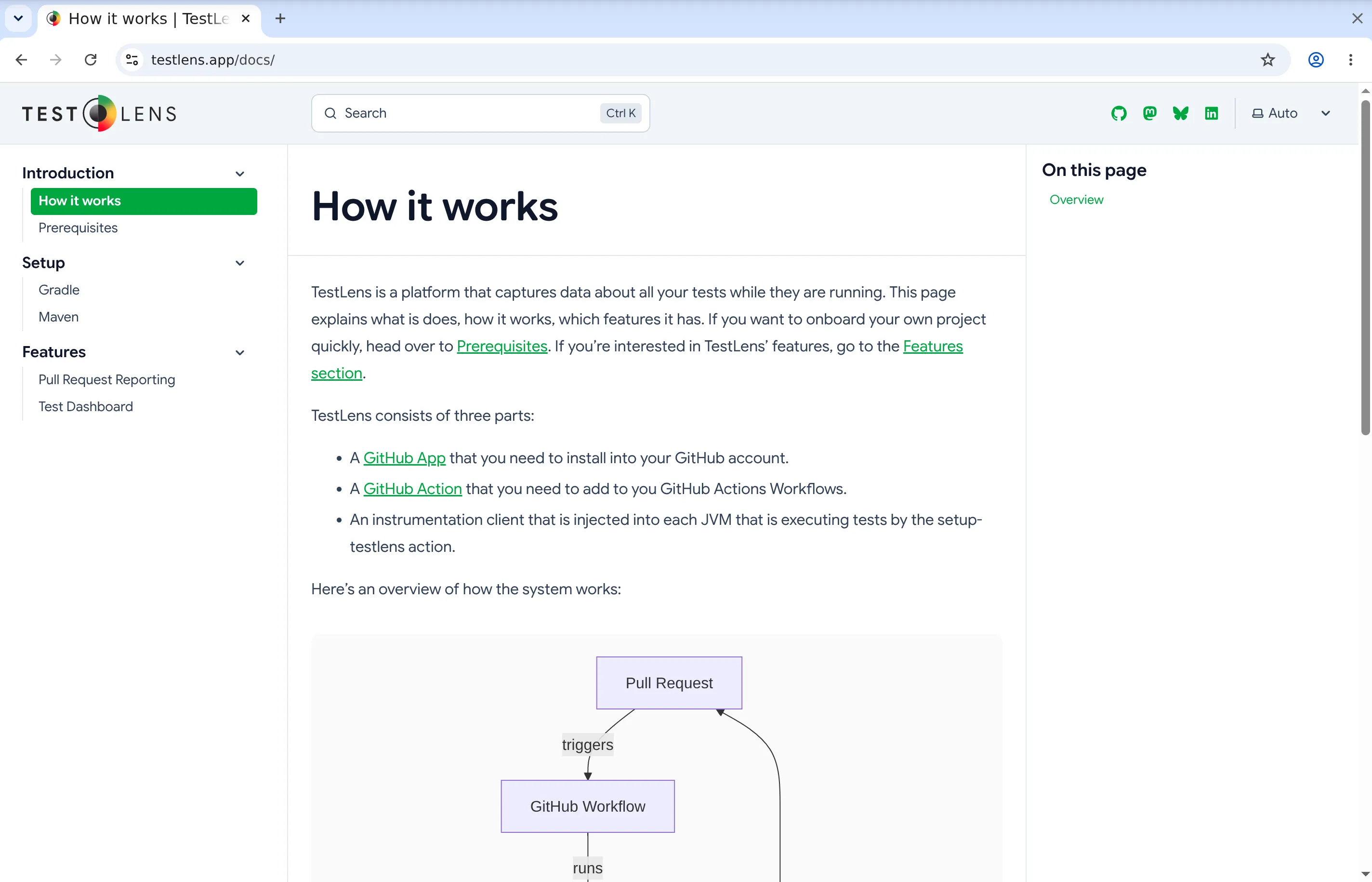
The docs walk through everything from setup to daily use. If you’re getting started, the Prerequisites page lists what your build needs: required Java version, supported test frameworks, and build tools. It also covers installing the GitHub app.
The Setup section has step-by-step instructions for both Gradle and Maven. Each one shows the exact workflow YAML you need to add, so you can copy-paste and get going.
For the features, the Pull Request Reporting page explains the comment lifecycle, what the status icons mean, how failure details show up, and how the rerun controls work (including the option to mute tests and reuse successful results). The Test Dashboard page covers the flakiness overview issue that gets created for each repository, how to read the severity icons, and what the branch vs. pull request sections tell you.
We hope you find the documenation helpful. If you have questions or feedback don’t hesitate to contact us at team@testlens.app.
Happy testing!